get connected to the life of the church
Download the Church Center App
Check in on Sunday
Register for Events
Connect with Groups
And more!
Get Our App Use Church Center OnlineGet Started with Church Center
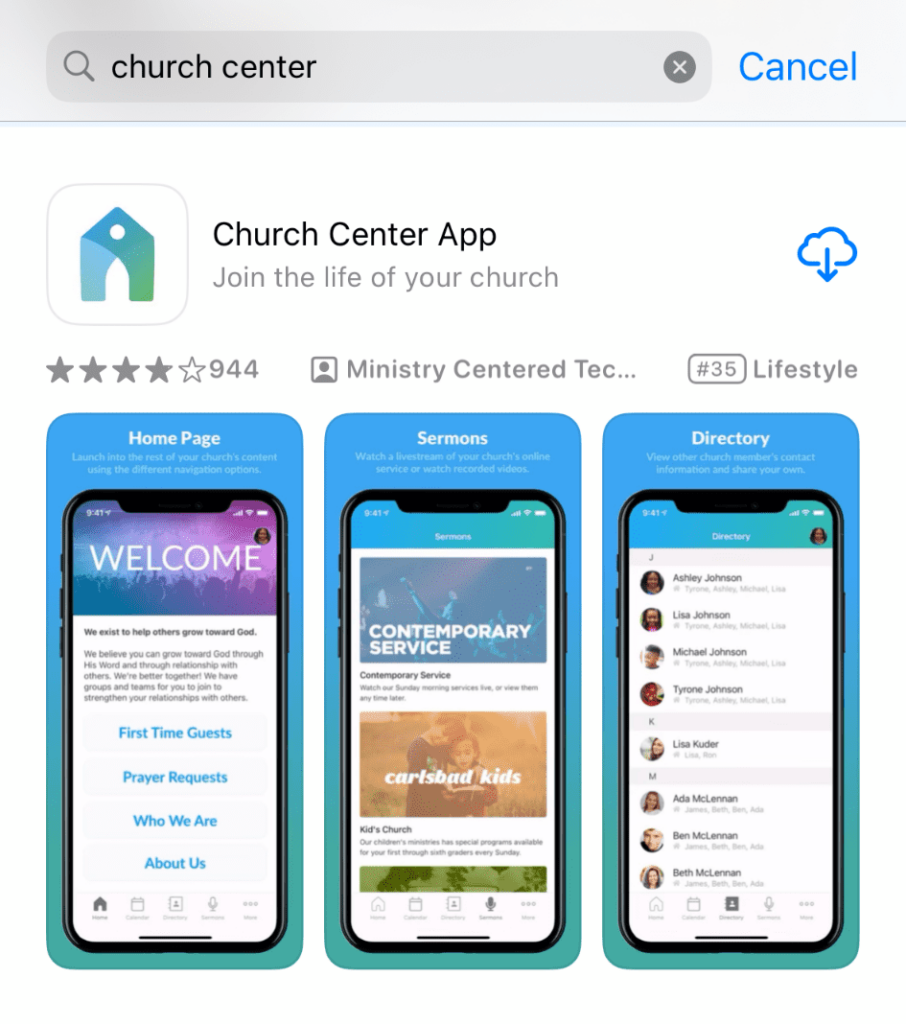
Download the Church Center App from Google Play or the App Store
- Open the app
- Select “Get Started” then “Continue”
- Search for “King’s Way United Methodist Church” and select it
- Tap “Log In” and enter your mobile number
- You should receive a 6-digit code, enter it in the next screen
- You will be prompted to enable Face-id or biometrics
- Church Center will then ask if you would like to turn on notifications
- You’re all set!
If you are unable to log in, you may need to be added to Church Center. If this is the case, contact the church office at (417) 881-6363 for assistance or email communications@kwumc.com.
Navigating Church Center
The Home Screen
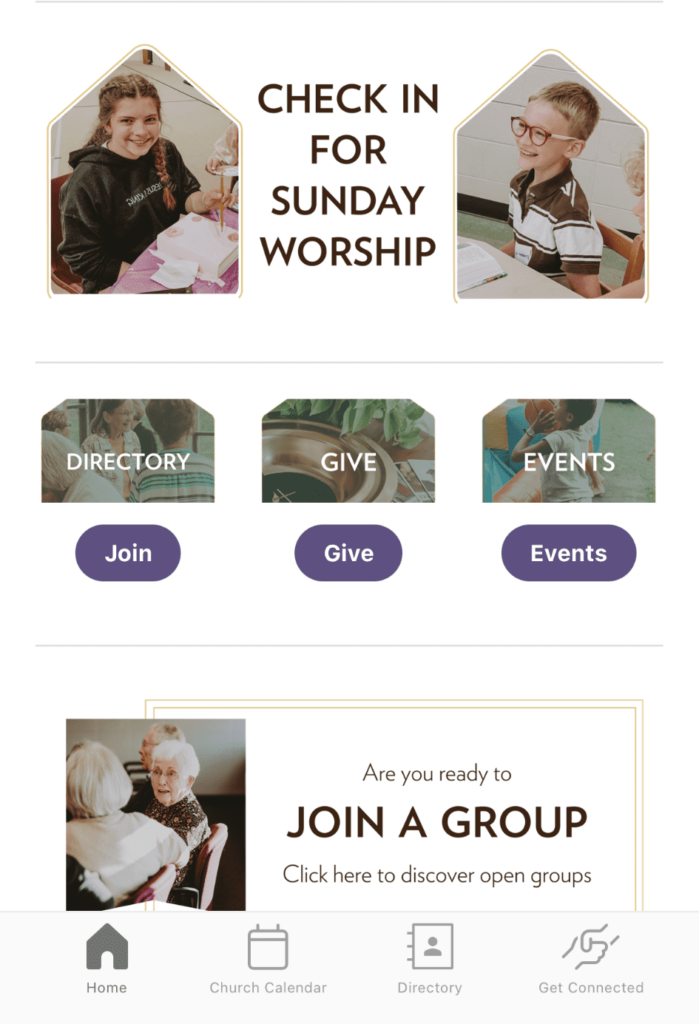
- On the bottom of your screen in Church Center, you will find navigation for the home screen, the church events calendar, the directory, and a “get connected” page.
- From “Home” you can check in for worship by tapping the top section. Below that, you can request to join the directory, complete your giving, or use the events button to navigate to the church calendar. You can tap “Join a Group” to browse King’s Way’s active discipleship, social and missional groups.
- Tap “church calendar” on the bottom of the screen to see all of King’s Way’s upcoming events. You can select the name of an event to see more information about it or register to attend.
- The directory includes approved members only to prevent scams or security breaches. You can request access to the directory from the home page.
- Get Connected has information on King’s Way, the United Methodist Church, groups at King’s Way, our pastors, and a link to our digital connect card to let us know how you want to be involved and how we can pray for you.